
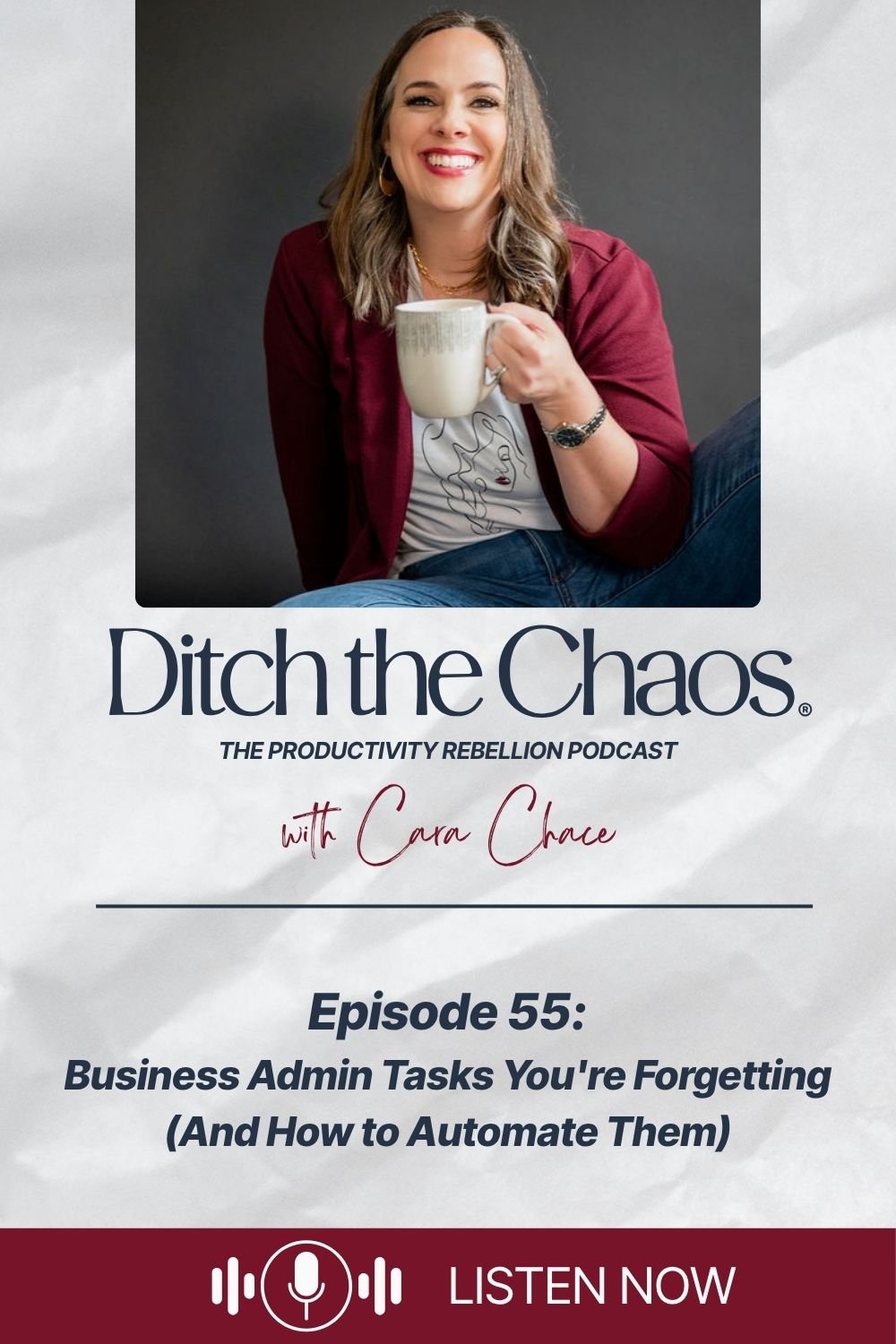
Business Admin Tasks You're Forgetting (And How to Automate Them)
You're on top of client work. Content is moving. And then a website visitor emails you that a link didn't work — and you realize you haven't actually looked at that sales page in months. That low-grade "I know I'm forgetting something" feeling isn't anxiety. It's your recurring business admin trying to get your attention.
In this episode, Cara breaks down the behind-the-scenes tasks that quietly keep an online business running — and the ones that will quietly break it if you keep pushing them to "when things slow down." You'll get a simple four-category system for organizing every recurring admin task by weekly, monthly, quarterly, and yearly cadence, plus a three-step process for scheduling and automating them using tools you already have.
These foundational business admin tasks are a core piece of what Cara teaches inside Chaos Detox — because a brain that's carrying an invisible to-do list of things it hopes won't break can't focus on the work that actually moves the needle.
In this episode, you'll learn:
Why recurring business admin tasks feel optional until they become emergencies
The four-bucket system for organizing every behind-the-scenes task
Weekly tasks: invoices, support inquiries, client relationships, priorities
Monthly tasks (00:04:38): plugins, analytics, bookkeeping, SEO, subscriptions
Quarterly tasks (00:05:22): form testing, social profile audits, email list cleanup, 90-day goals
Yearly tasks (00:06:00): copyright notices, domain renewals, passwords, taxes
How to automate recurring tasks using Google Calendar and Notion — no new apps needed
All Resources Mentioned in This Episode:
The Productivity Rebellion (free monthly guide): carachace.com/productivity-rebellion
Chaos Detox: carachace.com/chaos-detox
Episode 53: 5 Entrepreneur Mistakes I Made So You Don't Have To
Affiliate links may be present, so I may earn commissions on products I love, at no cost to you. Your support fuels my coffee habit while I share my favorite stuff—win-win!
Need more help?
Build your personal, unique productivity system without burnout or pressure. Choose what fits:
Join The Productivity Rebellion (free monthly guide): Get productivity strategies for busy lives, and real talk for women who refuse to choose between success and sanity. Plus, submit your questions and I'll answer them on the show. Sign up here →
Start Chaos Detox: The repeatable weekly planning method for women entrepreneurs dealing with burnout. Learn more →
Work with me 1:1: Get clear, personal guidance to simplify your strategy and follow through on what actually works. Coaching options →
Want to read the original blog post that inspired this episode?
CLICK HERE → Top Tasks Entrepreneurs Forget About (& how to automate them)
Are you loving this?
Hit follow on your favorite podcast app so you never miss an episode. You can listen and subscribe right here:
Full Episode Transcript
Business Admin Tasks You're Forgetting (And How to Automate Them)
[00:00:00] You know that feeling when you're humming along, finally feeling on top of your client work and your content marketing. And then you get an email that a link your website visitor clicked on, didn't work.
[00:00:11] And you realize you haven't actually looked at your sales page in months. Welcome to Ditch the Chaos. I'm Cara Chace and this is your space to figure out how to run your life and business without running yourself into the ground.
[00:00:24] Today we're getting into the admin tasks that are quietly running or slowly ruining your business in the background and this simple recurring system that keeps them from living in your head rent free. Let's get to it.
[00:00:39] There's something that nobody mentions when you start a business. You don't just sign up to do the work you love.
[00:00:45] You also sign up to be the person who remembers to update the website plugins, check the opt-in forms, reconcile the transactions, and make sure the copyright notice on your site isn't still showing. 2022. We talked about this briefly in episode [00:01:00] 53, 5 tough lessons that I learned the hard way as an entrepreneur.
[00:01:04] About how the thing you're good at that people pay you for doesn't necessarily translate to knowing how to run a business. None of those backend admin things feel urgent. None of it is glamorous, and all of it will absolutely bite you in the butt if you ignore it long enough.
[00:01:21] I've been there more than once, barely keeping up with the essentials, constantly reacting to broken things instead of leading my business. And the worst part wasn't the tasks themselves. It was carrying them around that low grade. I know I'm forgetting something. Feeling that follows you into every workday.
[00:01:39] It makes it really hard to focus on the stuff that matters. What I needed wasn't another app or a perfect productivity hack. I needed a system that gave these tasks a place to live outside of my brain. And once I built that, everything changed. So that's what I'm walking you through today.
[00:01:56] My recurring admin system, how I actually [00:02:00] schedule it, and the two tools I use to make most of it automatic. Let's start by naming what's really happening, because I think a lot of entrepreneurs feel guilty about this, like they should be on top of it and they're just not organized enough. But what's really going on is most of these tasks are invisible until they are a problem.
[00:02:20] Checking your support inbox now, it's not urgent today. Testing your opt-in forms, eh, they're probably fine reviewing your subscriptions. I know you'll get to it backing up your website. Well, that's a problem for later or when things slow down in two weeks. So none of these things make the list of what you need to do today.
[00:02:39] They live in the back of your brain as this vague anxiety instead, and the longer they sit there, the heavier they get until you've got this massive blob of, I have so much stuff I need to make time for sitting on your chest every time you try to focus and prioritize. Here's the reframe that helped me.
[00:02:59] These [00:03:00] tasks aren't actually optional. They're foundational. The client work, the content, the marketing, all of that runs on top of a functional business, and the backend stuff is what keeps the foundation of this functional business super solid. Once I started treating admin as part of my actual job as the CEO of my business, not the annoying thing that I should get around to, eventually, I could stop letting all these tasks take up room in my head as open loops that I hoped wouldn't cause a problem.
[00:03:31] Now I'm going to teach you my uncomplicated, simple system for making sure all these things get the attention they need without me having to remember them or just cross my fingers and hope they don't break. I organize every recurring admin task into four buckets, weekly, monthly, quarterly, and yearly.
[00:03:52] That's it. I told you it was simple. Once everything has a category, it's no longer floating. It has a [00:04:00] home. So let me walk you through what lives in each one so you can get an idea of how this works, and you can create your own recurring task system. Weekly task are the things that you need to touch every single week to keep the wheels turning for me, that's reviewing client invoices and recurring payments, checking in on support or email inquiries, making sure I'm aligned on priorities for the week, and giving some attention to any client relationships that need it. These aren't deep dives, they're quick check-ins. The goal is to catch anything before it becomes a problem, or too long since you last looked at it.
[00:04:38] Monthly tasks are the behind the scenes cleanup that keeps your systems and finances running right. Things like updating website plugins and themes, reviewing your top content and traffic in Google Analytics, or pulling metrics from social platforms. This could be your bookkeeping and transactions.
[00:04:57] Backing up your site, setting aside [00:05:00] your tax money, reviewing your SEO plan, checking on your software subscriptions. Some of these take five minutes, some of them take longer, but when you do them monthly, none of them ever turn into an emergency or a huge project that you have to set aside a whole day for quarterly tasks are when you zoom out and actually look at what's working.
[00:05:22] This is when I test all my website forms. Yes. Even the ones I haven't touched in forever and I assume are still working because inevitably those are the ones that break. I review my social profiles for consistency audit, who has access to what in my business, since I use Google Drive and I've had many contractors over the years, I clean out cold subscribers from my email list and I update my 90 day goals and content plan.
[00:05:48] Think of it as a quarterly business health check. You're not just keeping the lights on, you're making sure the whole thing is still pointed in the right direction. And then yearly tasks are what I [00:06:00] call your reset and protect list.
[00:06:02] These are the things that are super easy to forget, but they matter a lot. There are things like updating your copyright notices and legal pages, checking your domain, and hosting renewals. Filing taxes and 10 90 nines changing passwords. Sending client thank you notes or satisfaction surveys and reviewing how responsibilities are divided across your business.
[00:06:24] If you have contractors or a team, none of these in and of themselves are difficult. They just need an intentional time slot in your calendar or they won't happen.
[00:06:34] These foundational business admin tasks are a key piece of what I work through with people inside Chaos Detox, figuring out where tasks like these belong in your week, so they stop crowding your brain and don't become overwhelming. If that's something you wanna dig into more, I'll drop the link to the course in the show notes.
[00:06:51] Okay, so you've got the categories. Now, how do you make sure this actually happens without relying on yourself to remember it every time? It's [00:07:00] just three steps. Number one, get it all out of your head. Sit down and list every admin task. You know, you're either forgetting or always scrambling to finish.
[00:07:10] Don't filter this list. Don't judge yourself. Just get it down on paper. Once you have the full picture, sort everything into those four categories. Weekly, monthly, quarterly, and yearly, and now it's organized instead of floating around in your head, taking up space. Number two, schedule it. I'm a firm believer in what gets scheduled, gets managed.
[00:07:30] Instead of a printed checklist, you'll lose block time on your calendar for these tasks and set them on repeat on the right cadence. I use my ideal work week to theme my days, and Fridays are my back office and financial admin day.
[00:07:46] So all recurring admin tasks get batched there, which means I'm not context switching all week trying to squeeze in this stuff in between client calls, it has a place and that place is Friday. And number three, automate [00:08:00] those reminders with tools you already have. And I wanna say this clearly, you do not need a new app.
[00:08:06] Use tools that you already rely on. I use Google Calendar and Notion. Google Calendar is where I set recurring appointments for anything I'm personally handling. The calendar reminder shows up, I do the task and it's done. Notion is where I document and assign recurring tasks for me and my team for anything that I've delegated.
[00:08:26] I don't wanna think about it. Anything that I have a process for, I don't wanna recreate the wheel. So those tasks live in my notion Dashboard with automations and reminders built in. If you have a team, there's an additional easy ad that you can use for this, a weekly check-in or slack thread where they confirm that all recurring tasks are done.
[00:08:47] You're not micromanaging, you're just staying in the loop without it all landing back in your head. The goal of all of this is not to do more, is to take these tasks out of your brain and that low grade [00:09:00] anxiety loop and put them somewhere, they'll get handled.
[00:09:03] They have to get done, and once they have a home, you'll be surprised how much mental space this opens up for you. And if you think, yeah, I'll get to this. When things slow down, I promise you you'll always find an excuse to put it off. So here's your easy reset and reclaim action step for the week. Pick one category, weekly, monthly, quarterly, or yearly, and spend 15 minutes listing every admin task you can think of that belongs there.
[00:09:30] Start with monthly. If you're not sure where to begin, what are the things that you know you should be doing every month but aren't? Write them down, and don't worry about scheduling them yet. Just get them out of your head and onto a list. That's it. Just one category, 15 minutes and you'll feel the difference.
[00:09:47] And you might find that once you get on a roll and you start decluttering the mental load of all of this, you'll brain dump the other three categories too.
[00:09:57] If this resonated, come join me inside the Productivity [00:10:00] Rebellion. It's my free monthly guide for women who are tired of holding everything together with duct tape and coffee. One email a month, zero overwhelm. It's like tucking into your favorite magazine on Sunday morning.
[00:10:12] Sign up at carachace.com/productivity-rebellion. Thanks for listening this week. If it helped, please leave a review. It helps other women entrepreneurs find the show. I'm Cara Chace reminding you to keep questioning the rules and making your own.
[00:10:26]



I'm pausing the podcast to launch my book, The Social Media Burnout Cure. Here's what's happening, when I'll be back, and how to stay close in the meantime — including how to get on the launch list for first look at the introduction.